
Claude Code to Figma Update
Figma started as a design tool, and Claude started as a developer tool but now we’re meeting in the middle.

Recently, Figma announced a collaboration between Claude Code and Figma. This new integration enables a seamless workflow between the design canvas, Claude Code, and a fully developed front-end web app via the MCP server and plugin.
Here’s a demo from my experiment:
Here are some observations and experiments I’ve noted down.
When you vibe code, you’ve always needed a way to visualize your designs. Now, Figma acts as the canvas layer where you can edit and iterate. I personally think this workflow still needs to be streamlined but you can clearly see where Figma and Claude are heading. Even in its current state, it’s usable and can significantly accelerate your workflow.
What does this integration tell us?
It tells us something important: the lines between roles are blurring. Figma started as a design tool, and Claude Code started as a developer tool. Now we’re seeing these workflows converge and it feels like we’re heading toward a world where we’re all builders, augmented by AI.
This Figma integration starts to close the long-standing gap between design and development. I’m not just saying this based on the announcement, but from my own experiments and experience building products with AI.
When I worked on the Orbi AI app, I didn’t just design static screens. I built the entire product and used it daily, iterating based on real-world experience. That’s something Figma also mentions in their article the shift from static design to living, evolving products.
Sometimes, the quickest way to move an idea forward is to create something real. Building in code is one way to do this. Live prototypes let you work with real data, feel interactions in motion, and get a clearer sense for technical scope. With AI-powered workflows like Claude Code, it’s even easier to spin up these types of explorations, where you can prompt, iterate, and adjust interfaces in real time.
-Figma
What I Actually Found When I Tested It
I spent time experimenting with the new integration, and here’s my honest breakdown of where things stand right now:
Figma → Claude Code works well.
You take your Figma designs, bring them into Claude Code, and build directly on the dev server. Clean. Fast. Official. The direction here is solid.
I’ve included the full workflow setup inside my upcoming Claude Code course (coming soon).
Claude Code → Figma (the reverse) still doesn’t feel fully straightforward. I was able to make it work (as shown in the demo above), but there’s definitely room to streamline that workflow.
I’m currently still using TJ Pitre’s plugin, which has drastically improved my workflow and reduced a lot of repetitive work inside Figma.
The Journey of Building Apps with AI
I’ve been building multiple apps with Claude Code recently so many side projects that my audience can barely keep up lol.
One interesting dynamic of working with Claude is this: once you start a build, you’re often waiting for the agent to complete tasks. So naturally, you spin up another project… and then another. Before you know it, you’re running multiple builds in parallel.
I’ve heard this jokingly referred to as “multi-Clauding.” in YC podcast.
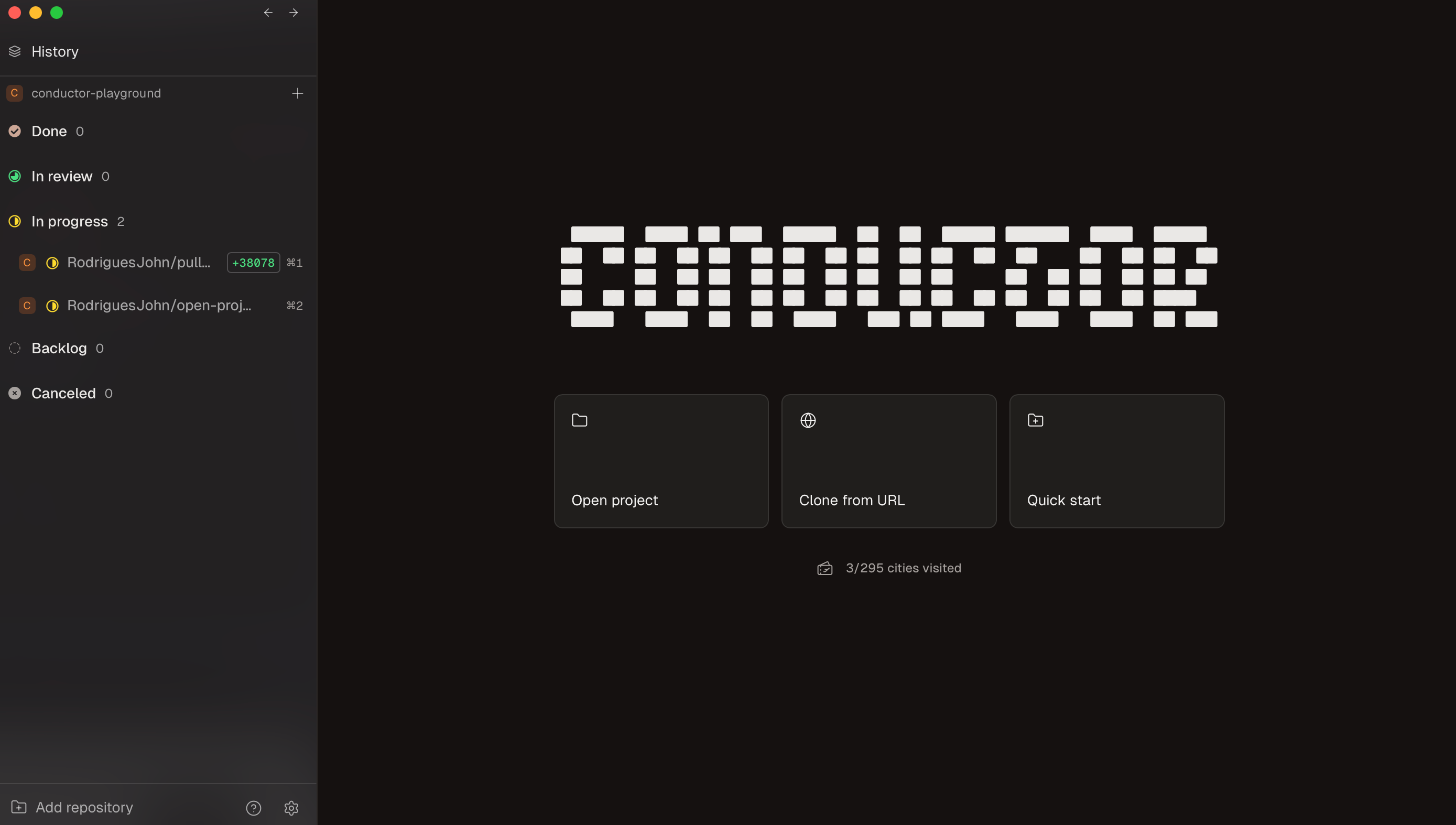
Conductor is a powerful tool for orchestrating multiple AI workflows. However, if you’re just getting started, I wouldn’t recommend diving into that immediately. Beyond learning the tools, you need to develop the skill of context switching to manage multiple AI-assisted builds effectively.
With Claude Code, I built Orbi a 0→1 app — along with my own Productivity OS, which I use every day. I’m planning to launch it on TestFlight soon and will also share how to build apps like this inside my AI Design Academy.
It’s never been a more exciting time to build side projects and create your own apps to augment your productivity.
In Conclusion
The Figma × Claude Code integration is a clear signal of where design is heading. The lines are blurring. People are building faster. The execution gap is shrinking by the day. Designers are becoming builders.
That’s your signal for where to focus next in your career.
Quick Announcement
I’m launching my Claude Code course this week.
Connect with me on LinkedIn to stay updated.