
Claude Code for Designers
I Built an iOS App & Figma Plugin Without Being a Developer

In this blog, I'm sharing my journey building AI apps with Claude Code. As a designer, this has been quite empowering and I want to show how designers can go beyond static screens and build functional products and prototypes. I also put together a video for you. Here you go.
How it started ?
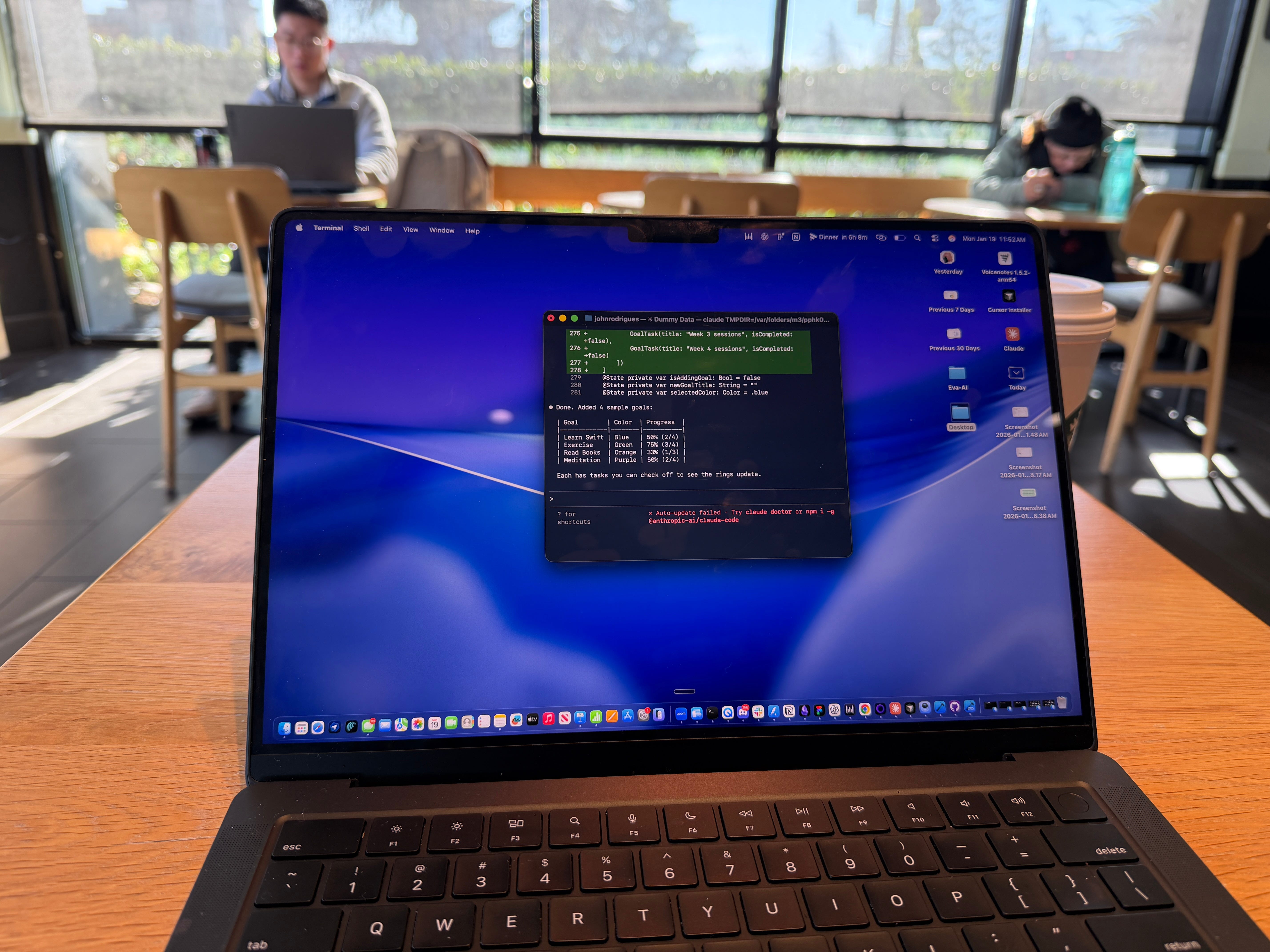
When I first saw Claude Code, i was like what can I do with it ? just looks like complicated terminal thing.
Another complex developer tool no interface, nothing visually intuitive. My first thought was: what does this have to do with me as a designer? But I kept experimenting with it, and at some point it stopped feeling like a detour and started feeling like a core part of how I build.
Since then, I’ve shipped an iOS productivity app.

I also built a Figma plugin (Ollie AI), and built my portfolio. That shift didn’t happen overnight. It came through a lot of trial and error, a lot of broken builds, and eventually finding a rhythm that works.
What actually changed for me
The thing I wasn’t expecting was how much faster the iteration loop gets. Before, building an MVP meant months of work or significant budget. Now I can take an idea from concept to something testable in weeks sometimes days. I launched my app on TestFlight and had real users giving me feedback.
I want to be honest though: it’s not one-shot magic. People on X and LinkedIn will tell you that you can build a product in an weekend. That’s not really true. It still goes through the full design process prototyping, testing, iterating.
What’s different is that the cost of each iteration drops dramatically. You can afford to try more things, throw more away, and get closer to something real.
One thing I’ve noticed that most people are sleeping on
Claude’s skills feature. You can build custom capabilities directly into Claude Code essentially creating a personalized set of instructions for how it approaches your specific work. I created a visual language skill for my portfolio, and it started maintaining design consistency across my builds in a way I hadn’t experienced before with other tools.
My sense is that this is where design systems are heading. Instead of a static Figma library, your design system becomes a Claude skill something vibe coding tools actively references and applies as you build. I’m still experimenting with this, but it’s one of the hypotheses I’m most interested in testing further.
Integrating it with Figma
The Figma MCP integration was the piece that really connected things for me. I was able to connect Claude Code directly to Figma and start automating parts of my design system work. Repetitive tasks that used to eat up time are starting to get handled in the background. It’s early, but the direction is clear our most repetitive design workflows are going to get automated, and the designers who start building those connections now will move faster.
What I’d tell a designer who’s skeptical
Start with something small and personal. Don’t try to build a full product in your first week. Build something you actually care about a side project, a portfolio update, a small tool for your own workflow. That’s where the learning compounds fastest.
The terminal can feel intimidating at first. But Claude Code also has a desktop app if you want to ease in through a chat interface. Either way, once you get past the initial setup friction, it starts to feel natural.
If you want to go deeper on this the workflows, the setup, the specific use cases I’ve tested I have a dedicated Claude Code Course inside AI Design Academy. You can get the course from here : https://www.theaidesignacademy.com/claude-code-course