
Building an iOS App with Claude Code
How I'm prototyping Eva AI for the Google Gemini Hackathon

🌟 Special Highlight: If you are in San Francisco, join the hackathon by Arjita Sethi at Frontier Tower in SF. Use the code CREATOR for a free ticket. Request to join from here
Let’s get into the article
For a while now I’ve been experimenting with different AI coding models., Gemini, Gpt5, Sonnet, composer etc. They all work. But recently I made a switch to Claude Code with cursor, connected to Xcode.
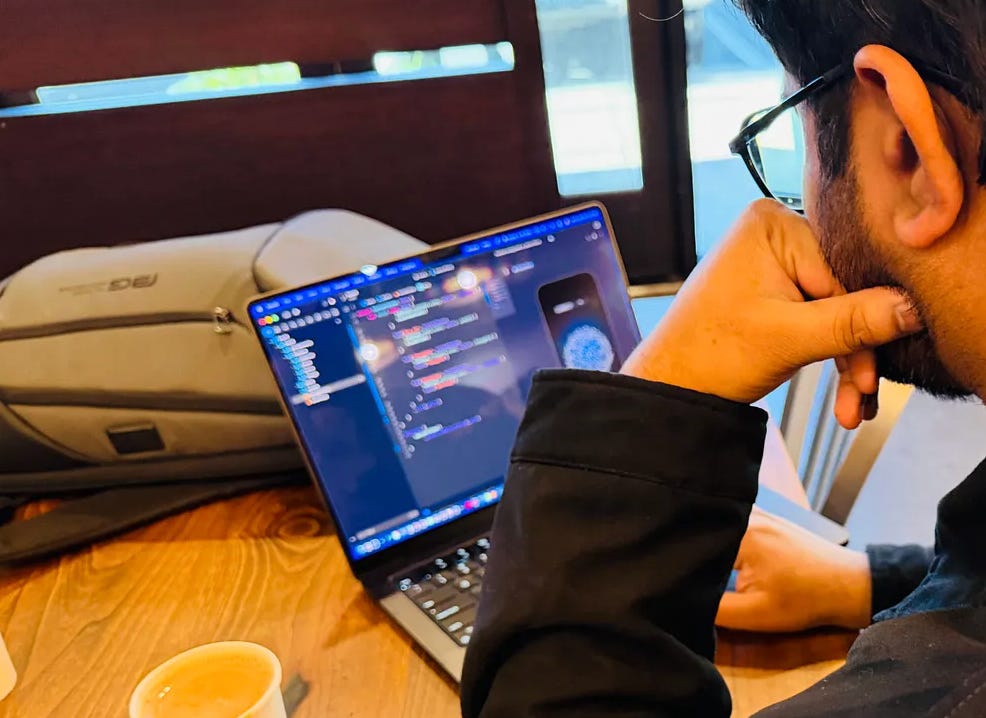
What surprised me was the output quality. It’s noticeably better than what I was getting before. I’m building Eva AI, a personal assistant app for the Google Gemini Hackathon. Claude Code has become my primary tool for prototyping it.
More than vibe coding
What clicked for me was the skills feature. You can create a SKILL.md file with instructions, and Claude adds it to its toolkit. It uses the skill when relevant, or you can invoke it whenever you need for prompting, reducing the need to give context and constantly explaining and reminding.
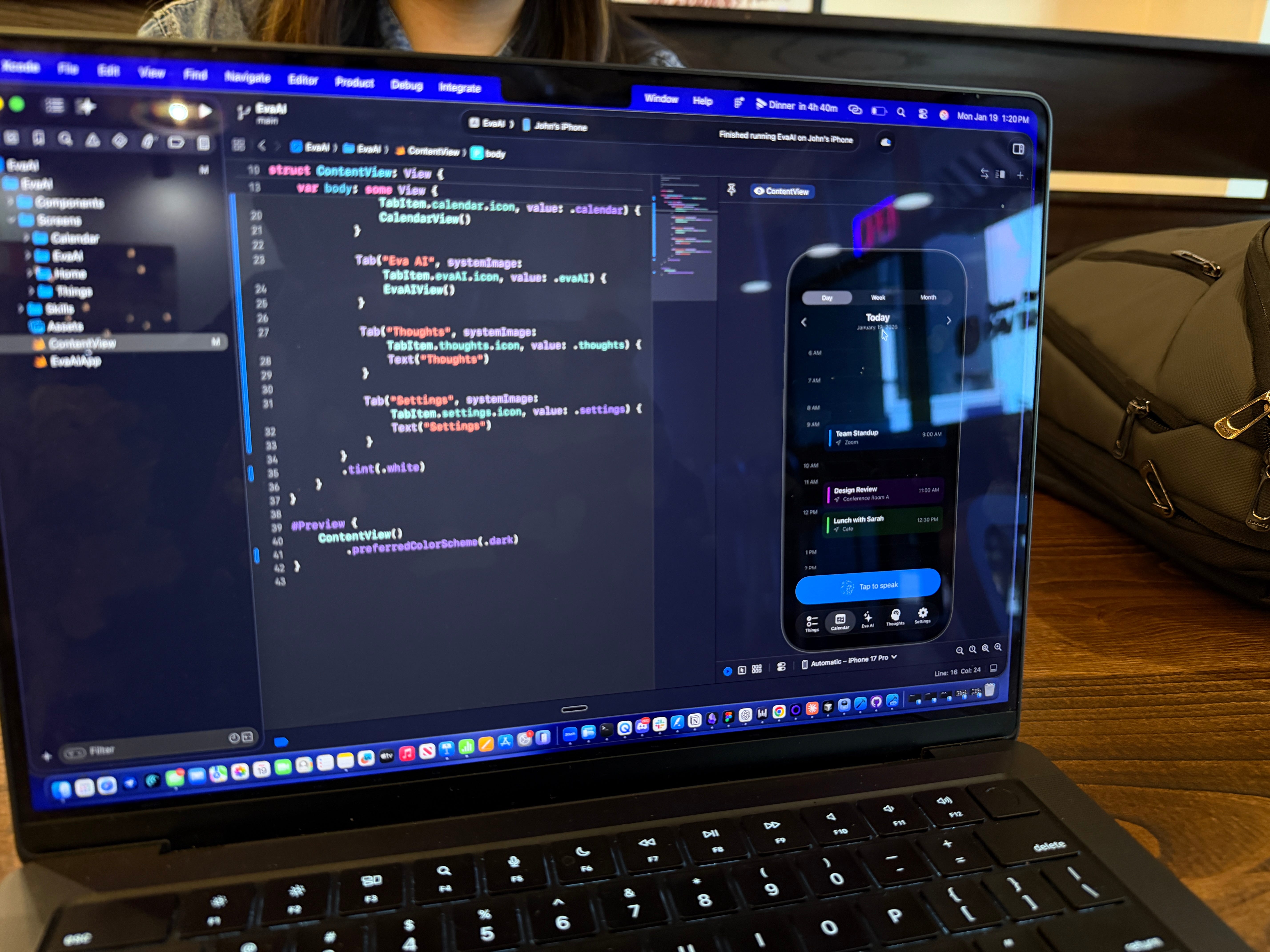
I had reusable instructions Claude could draw from. It felt less like using a tool and more like working with a small team that already knows how I like things done. The workflow of building them and then leveraging them while coding that's been one of the more interesting discoveries
Why I switched to terminal
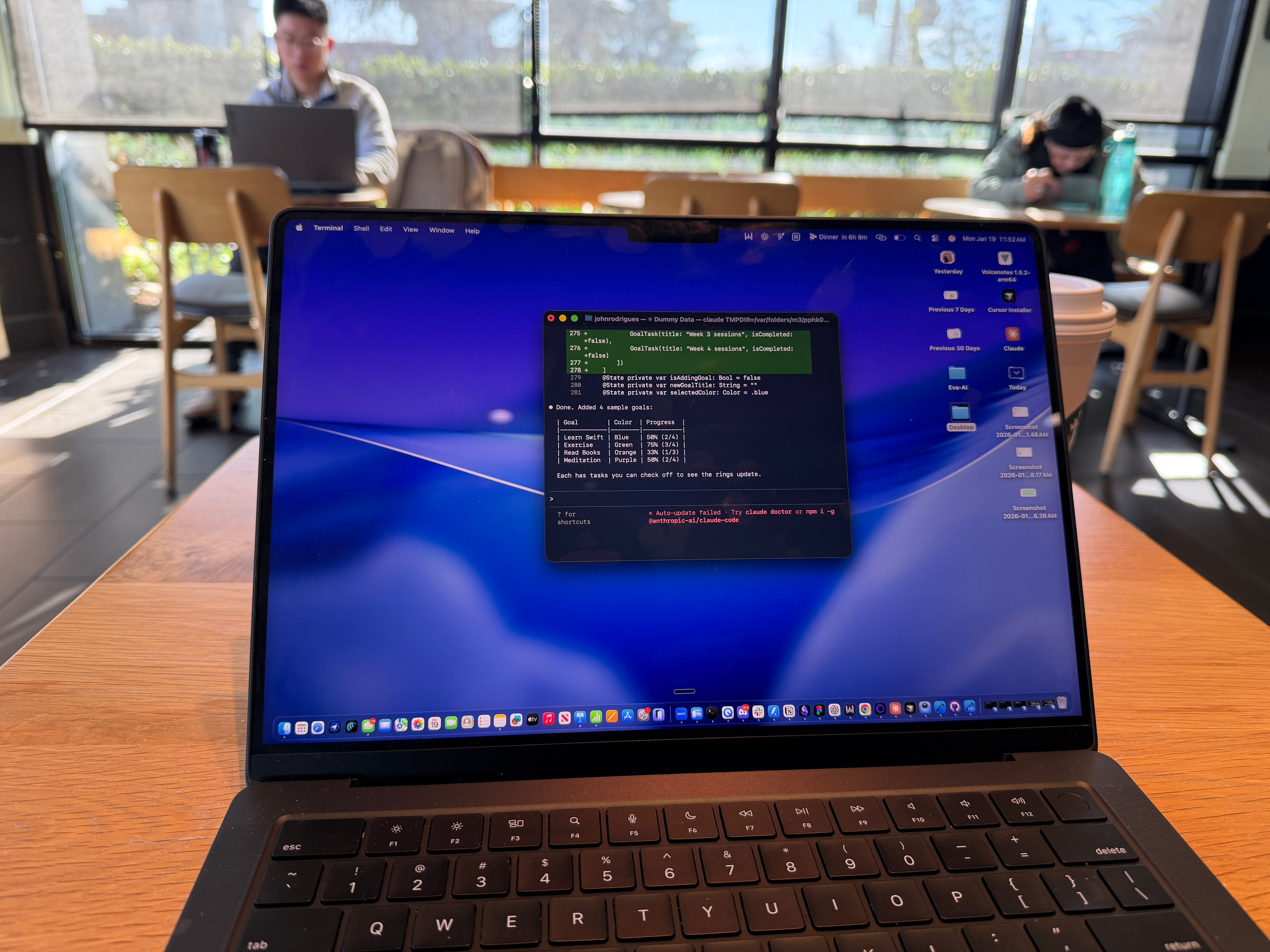
You can use Claude Code directly from the terminal and skip Cursor if you like. That workflow was pretty straightforward.
What surprised me
The speed I expected. What I didn’t expect was the quality of reasoning.
When I asked Claude to add more detail to a button to give it depth, it didn’t just add a shadow. It constructed the button thoughtfully proper layering, visual hierarchy. It was a small moment, but it made me pay attention.
My sense is that Claude Code is outperforming the other models I’ve used for this kind of work: Composer, Gemini, others. Now I don’t have to prompt as heavily to get something usable.
The workflow that clicked
Here’s what a typical session looks like:
I describe what I want. Claude generates code. I run it in Xcode, see what works, iterate.
Another workflow I plan to explore is the checkpoint feature that saves your code state before each change. If something breaks, you press Escape twice and rewind to a previous version. It sounds small, but it changes how we ideate.
I also started asking Claude questions about how things work. Not just “build this” but “why does this behave this way?” That back-and-forth became a learning tool. I’d understand the code better by having a conversation about it.
For Eva AI, I was able to build a functional front-end prototype fairly quickly. It took a lot of iterations to get the visual quality right. But I could test voice interactions and core flows without waiting weeks.
What’s still friction
Claude Code still feels technical. The terminal interface isn't for everyone. If you're not comfortable with command lines, there's a learning curve. I think there's room for UX improvements. But if you can get past the setup, the output quality makes it worth it.
What this means for designers?
This is the shift I keep coming back to: designers who can prototype with code even AI-assisted code can validate ideas faster than those waiting for engineering resources.
You don’t need to become a developer. But learning to work with tools like Claude Code, understanding enough to guide the output and build your own skills that’s becoming a real advantage.
One of my hypotheses is that the designers who figure this out now will have a significant edge over the next few years. Not because they’re writing production code, but because they can move from idea to testable prototype without dependencies.
Thank you for reading
More Resources